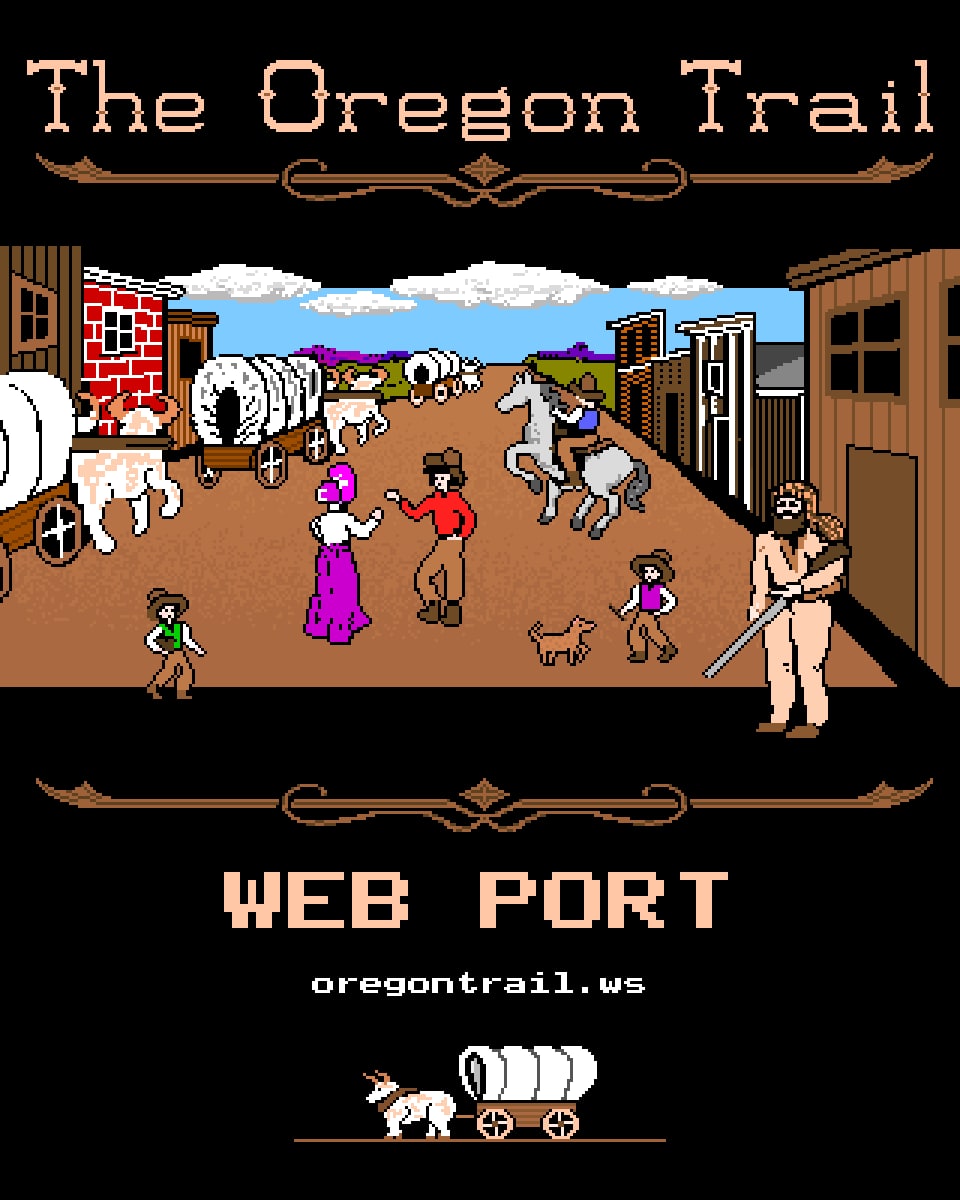
The Oregon Trail Web Port
Our web port of MECC's 1990 MS-DOS Oregon Trail. The same game, screen for screen, rebuilt to run in any browser without an emulator, on computers, Chromebooks, tablets and phones.
- Year
- 2026
- Developer
- oregontrail.ws
- Platforms
- Web browser
The 1990 game, made for the web
This is The Oregon Trail as MECC released it for MS-DOS in 1990, the version with Matt's General Store, the little ox on the travel screen and the Oregon Top Ten. Nothing in the game was redrawn or changed, apart from one small line on the opening screen that says who made the port. The pictures, the words and the chances of every event are the ones from the original, and a trip plays out just as it would on a PC from 1990.
The difference is how it runs. The other games on this site run in an emulator, which acts like an old PC inside your browser. The web port does not need one. The game itself was rebuilt for the browser, so there is far less to download, it starts in a moment, and it runs on older computers, school Chromebooks, tablets and phones.
How it plays
You lead a wagon party of five from Independence, Missouri, to Oregon's Willamette Valley in 1848. You can be a banker from Boston, a carpenter from Ohio or a farmer from Illinois, and the harder the start, the more points you earn when you arrive. You name your party, choose the month to leave and shop at Matt's General Store for oxen, food, clothing, bullets and spare parts.
On the trail you choose by typing a number, or by tapping the line you want. Rivers have to be forded, floated or crossed by ferry, food runs low and has to be hunted, and illness and accidents can end the trip early. If your trip ends in death, the game shows a tombstone and lets you write an epitaph for the next traveler to find.
Playing on a phone or tablet
The game was made for a keyboard, so the web port puts the keys you need under the picture, and they change with the screen: numbers in a menu, Yes and No for a question, Continue where the game says Press SPACE BAR. When the game asks for a name, a keyboard opens on the screen.
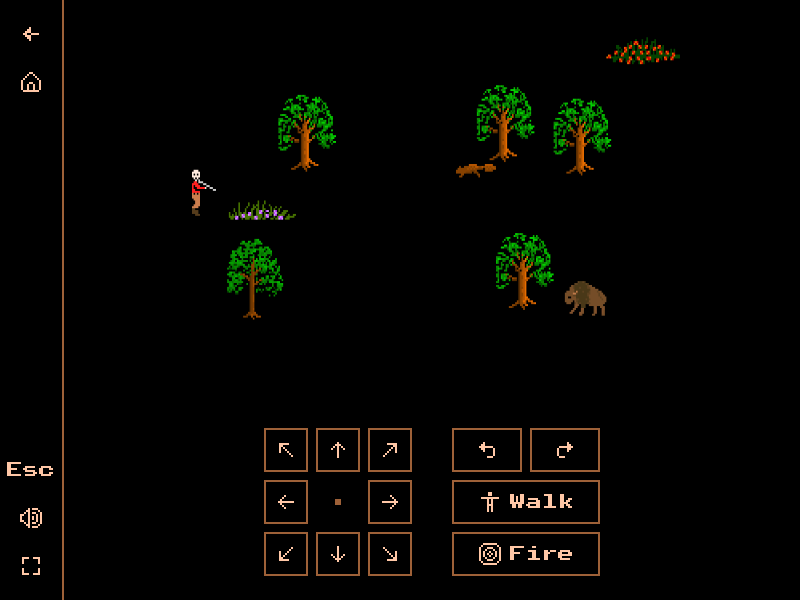
Hunting has its own buttons. The arrow pad points the rifle in eight directions, the same as the number keys in the original, and the two turn buttons turn it one step at a time. Walk starts and stops the hunter and Fire shoots. You can also tap the picture to point the rifle that way. On the Columbia River, the arrows steer the raft.
Saving your journey
Your journey is saved by itself while you travel. If the page closes, open the game again, choose Travel the trail and answer Yes when it asks whether you would like to continue a saved game. You can also save the way the original does: press Esc twice on the trail and answer Yes.
As a guest, your saved game stays in this web browser. With an optional account, for ages 13 and up, it is kept for you, and a Google account takes it to your other computers too.
The Oregon Top Ten and the leaderboard
When you reach Oregon, the game adds up your score and checks it against The Oregon Top Ten. In the web port that list shows the best players from its own leaderboard on this site, so a good run puts you among them. After a finished trip the game offers to post your score under a name you choose. You do not need an account.
The web port keeps its own board, apart from the 1990 game in the emulator. The two are the same game, but they are played and saved separately, so each has its own list of the best runs.
Notable systems
- The 1990 MS-DOS game, screen for screen and rule for rule
- Starts in a moment, with no emulator and no big download
- Works on phones, tablets, Chromebooks and older computers
- Buttons under the picture for whatever the game is waiting for
- Tap a menu line to choose it, or tap Press SPACE BAR to go on
- A keyboard on the screen for names and epitaphs
- Hunting with buttons to walk, turn, aim in eight directions and fire
- Your journey is saved by itself while you travel
- The Oregon Top Ten shows the best players from its own leaderboard
More from the game
7 frames from The Oregon Trail Web Port, at the resolution it originally ran at. Pick one to see it at full size.